

Readiness monitors report “not ready” when your vehicle’s OBD-II self-tests haven’t finished running yet. That’s it. It’s not a mystery code, and it’s usually not a sign of a broken car. Your first move is simple: run a proper drive cycle and avoid clearing codes or disconnecting the battery again, as either action resets the clock.
- Not ready = incomplete test, not necessarily a failed one
- Immediate action: drive it the right way, don’t touch the battery or the codes
- Stop DIY and call a shop if monitors stay incomplete after several honest attempts, or if you’ve got codes hanging around
Quick stat: The Environmental Protection Agency and most state inspection programs typically allow only one incomplete monitor for 2001 and newer vehicles before your car fails inspection outright.
Pro Tip: *Before you do anything else, check whether a battery was recently disconnected, a code was cleared, or a repair was done.
Key Takeaways
Readiness monitors stay “not ready” until the OBD-II self-tests finish running under specific conditions, and clearing codes or disconnecting the battery restarts that process from zero.
| Point | Details |
|---|---|
| “Not ready” means incomplete, not broken | The self-test hasn’t finished, which is different from a failed or malfunctioning system. |
| Avoid resets during troubleshooting | Clearing codes or disconnecting the battery wipes monitor progress and forces a fresh start. |
| Run the generic drive cycle correctly | Cold start, 15 minutes of highway driving, then 20 minutes of stop-and-go with idle time. |
| Give it 2 to 3 days | Most vehicles need several drive cycles across mixed conditions before every monitor sets. |
| Know when to stop DIY | Repeated failures, active codes, or communication issues call for professional diagnostics. |
| Express Lube & Car Care handles the hard cases | ASE-certified technicians use full-feature scan tools, digital inspections, and a 24-month/24,000-mile warranty to find and fix what’s blocking your monitors. |
Table of Contents
- Quick Troubleshooting Steps for Readiness Monitors Not Ready
- Why Readiness Monitors Stay Incomplete
- When Should You Take the Car to a Shop?
- How a Shop Diagnoses and Fixes Persistent Readiness Issues
- Preventive Maintenance to Avoid Future Readiness Problems
- Sources
- FAQ
Quick Troubleshooting Steps for Readiness Monitors Not Ready
Before you assume something’s broken, work through this checklist in order. Most “not ready” situations resolve with patience and the right driving pattern, not a wrench.
- Check for a check engine light first. If the MIL is on, don’t bother running drive cycles yet. An illuminated light usually means an active fault is blocking a monitor from even starting, and you need that read before doing anything else.
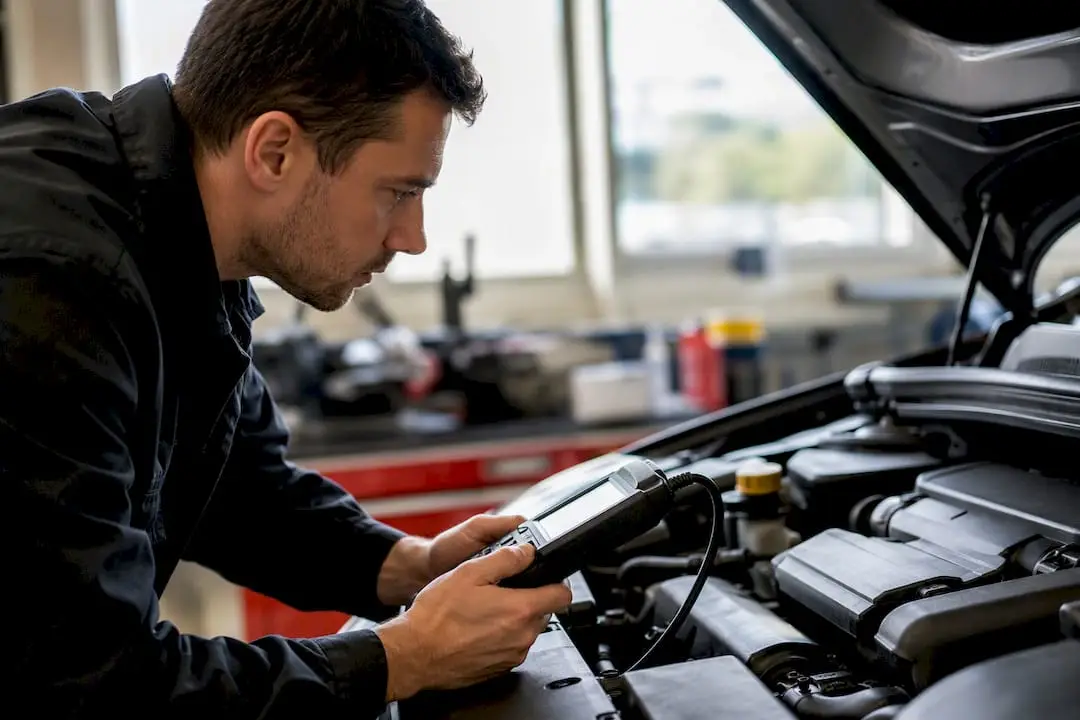
- Use a real scan tool, not a basic reader. A cheap code reader tells you if the light is on. A proper automotive scan tool shows pending codes, readiness status for each individual monitor, and live sensor data, which is what actually tells you what’s happening under the hood.
- Confirm nothing was cleared recently. If you or a previous mechanic cleared codes or disconnected the battery, that reset every monitor to “not ready.” There’s no shortcut around it. You have to drive it back to ready status.
- Run a generic drive cycle. Start cold after the car has sat at least eight hours, then drive about 15 minutes of steady highway speed followed by roughly 20 minutes of stop-and-go city driving with a few idle stops mixed in.
- Repeat if needed. Some vehicles need to repeat this cycle several times before every monitor sets.
Expect this to take two to three days of mixed driving, not one lucky trip to the grocery store. Cold weather, short trips, and mostly-highway commutes can all slow things down since certain monitors need specific temperature and load conditions to even attempt their test.
- Watch for monitors that set, then flip back to incomplete or trigger the MIL mid-cycle
- That pattern usually means an intermittent fault, not a driving problem
- Don’t keep repeating cycles past three or four attempts if nothing’s changing
Pro Tip: Keep a simple driving log for a few days: highway minutes, city minutes, idle time. If you bring the car in later, that log saves the technician time and saves you money on diagnostic labor.
Why Readiness Monitors Stay Incomplete
A monitor that won’t set is usually pointing at something specific, even when there’s no check engine light yet. Understanding the common culprits helps you decide whether this is a “keep driving it” problem or a “get it looked at” problem.
Reset events are the number one cause. Clearing codes, disconnecting the battery for a repair, or even a dead battery that got jumped will wipe monitor status clean. The EPA’s guidance on OBD readiness confirms this is one of the most common and most misunderstood causes of a “not ready” result.
Pending codes can block specific monitors even without turning on the check engine light. A slightly lazy oxygen sensor, for example, can prevent the catalyst monitor from ever running its test, because the catalyst monitor depends on clean oxygen sensor data to function.
Other frequent blockers include:
- A stuck-open thermostat that prevents the engine from reaching proper operating temperature
- A small EVAP system leak that keeps the evaporative monitor from completing
- Corroded wiring or a weak connection at the data link connector (DLC)
- Enable-condition mismatches, meaning the car needs a specific speed, load, or elevation range the generic drive cycle doesn’t happen to hit
That last one matters more than most owners realize. Every monitor has its own enable criteria, and some manufacturers require very specific conditions that a one-size-fits-all drive cycle simply won’t trigger.
When Should You Take the Car to a Shop?
There’s a point where more driving stops being useful and starts being a waste of gas. Here’s how to know you’ve hit it:
- You’ve completed three or more proper drive cycles or driven 2 to 3 days of mixed conditions and monitors are still incomplete
- The check engine light comes on, or a pending code shows up during your attempts
- A monitor sets, then immediately flips back to “not ready” or trips the MIL
- You suspect a thermostat, sensor, or wiring issue based on symptoms like poor fuel economy or rough idle
- The scan tool struggles to communicate with the car at all, which points to a DLC or wiring problem rather than anything monitor-related
Bring your recent inspection report if you have one, along with notes on any battery disconnects, code clears, or repairs done in the last month. That context turns a guessing game into a five-minute diagnosis for a technician.
Pro Tip: If your scan tool shows the same pending code every time you check, stop driving cycles and get it diagnosed. That code is very likely the reason the monitor won’t complete, and no amount of highway miles will fix it.
How a Shop Diagnoses and Fixes Persistent Readiness Issues
This is where the full-feature scan tool earns its keep. A basic reader shows you a code number. A shop-grade tool reads pending and historic codes, live sensor data, freeze frame snapshots from the moment a fault occurred, and the exact readiness status of every individual monitor.
- Check DLC power and ground. Corrosion or a loose pin at the data link connector can prevent the scan tool from communicating properly, which looks identical to a monitor problem from the driver’s seat.
- Pull pending and historic codes, not just active ones, since a pending code often points straight to the blocked monitor.
- Review live data and freeze frames to catch intermittent sensor behavior that wouldn’t show up on a static check.
- Recreate the enable conditions under instrumented drive testing, matching temperature, speed, and load to what the specific monitor actually needs.
- Run smoke tests for EVAP leaks or bench test suspect components before replacing anything.
Guesswork gets expensive fast. Swapping an oxygen sensor because “that’s usually it” without confirming the enable conditions or checking freeze frame data is how owners end up replacing three parts to fix a $40 problem.
Common repairs that resolve stubborn readiness issues include sensor replacement, thermostat swaps, EVAP hose or seal repairs, wiring repairs at the DLC, and occasionally a software update to the engine control module. Working with ASE-certified technicians backed by digital inspections and a real warranty means you’re not paying to find out the first guess was wrong.
Preventive Maintenance to Avoid Future Readiness Problems
The best fix for a “not ready” result is never needing to deal with it in the first place.
- Don’t clear codes just to make the light go off unless the underlying issue has actually been diagnosed and repaired
- Keep a simple log of recent repairs, battery work, or code clears so you can explain the timeline if monitors act up later
- Replace oxygen sensors and thermostats on their recommended schedule instead of waiting for a failure
- Ask your shop to run a scan after any emissions-related repair, and plan your state inspection for after a few days of normal, varied driving
- Stick with an ASE-certified shop for anything touching the emissions system, since incorrect repairs there tend to cause repeat monitor failures
A shop’s honest take on chasing readiness monitors
Most owners who call us about “not ready” monitors have already cleared a code or disconnected a battery without realizing what that resets. ASE-certified diagnostics beat guessing every time, because a scan tool tells you what’s actually blocking the test instead of what seems likely.
— Hassan
Get a Diagnostic Scan Before You Guess Again
If you’ve run the drive cycles and the monitor still won’t set, stop burning gas and get an answer instead. Express Lube & Car Care runs full diagnostic scans with ASE-certified technicians, not just a quick code pull, so you find out exactly which monitor is stuck and why before any part gets replaced.

Every visit includes a digital vehicle inspection you can actually read, backed by a 24-month/24,000-mile warranty on the repair work that gets done. That combination means you’re not paying twice for the same problem. Bring your recent inspection report, and mention anything about a battery disconnect or code clear so the technician isn’t starting from zero. If you’re overdue on routine service anyway, check out our oil change tips while you’re at it, since a car in good baseline health sets its monitors faster and holds them longer. Ready to stop guessing? Schedule your diagnostic scan with us today.
Sources
- OBDII Readiness and Communication Failures
- What Do You Mean My Car’s Not Ready? | NY DMV
- VEI OBD Readiness Monitor Fact Sheet
FAQ
What does “readiness monitors not ready” actually mean?
It means one or more OBD-II self-tests haven’t finished running yet, which is different from a code being present or a system actually failing.
How long does it take for readiness monitors to reset?
Most vehicles need two to three days of mixed highway and city driving, sometimes with the generic drive cycle repeated two to five times.
Can I still pass inspection with a monitor not ready?
Usually not for more than one monitor. EPA guidance generally allows only one incomplete monitor for 2001 and newer vehicles before the vehicle fails inspection.
Why did my monitors reset after a repair?
Any code clear or battery disconnect resets monitor status to “not ready,” which is a normal side effect of the repair, not a sign something new went wrong.
When should I stop doing drive cycles and see a mechanic?
If monitors stay incomplete after three or more proper drive cycles, or if the check engine light comes on during testing, it’s time for an ASE-certified diagnostic scan instead of more highway miles.